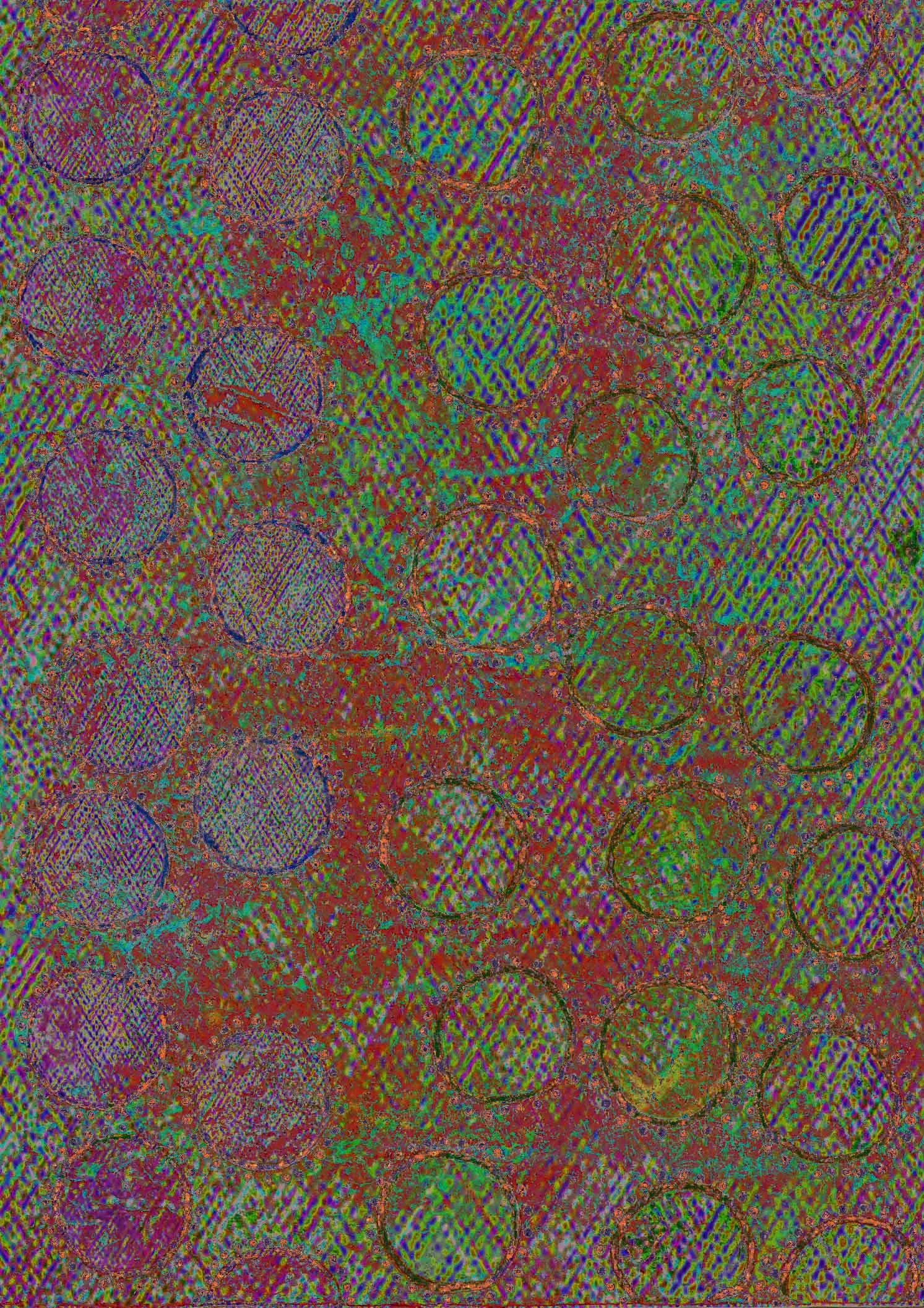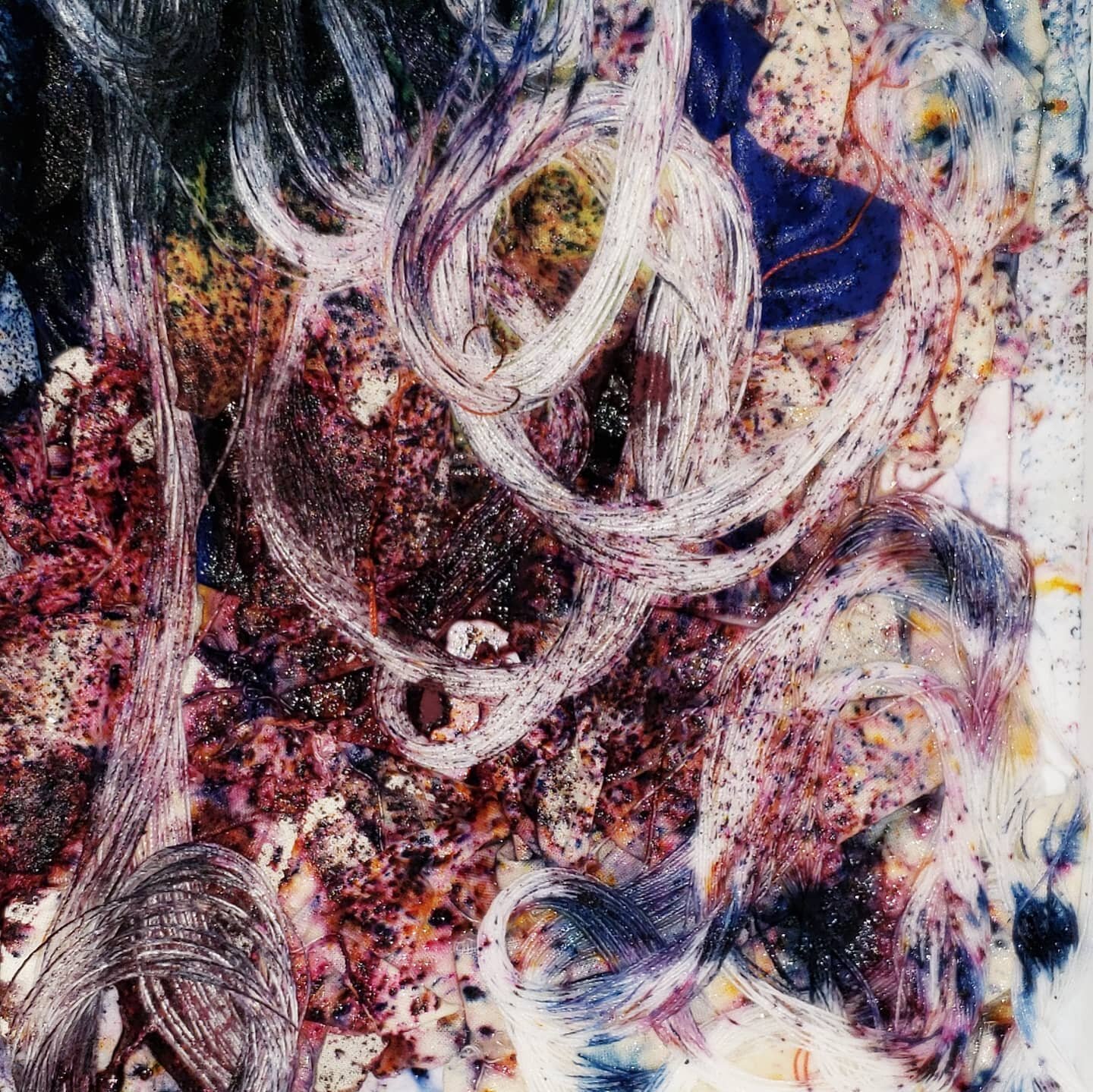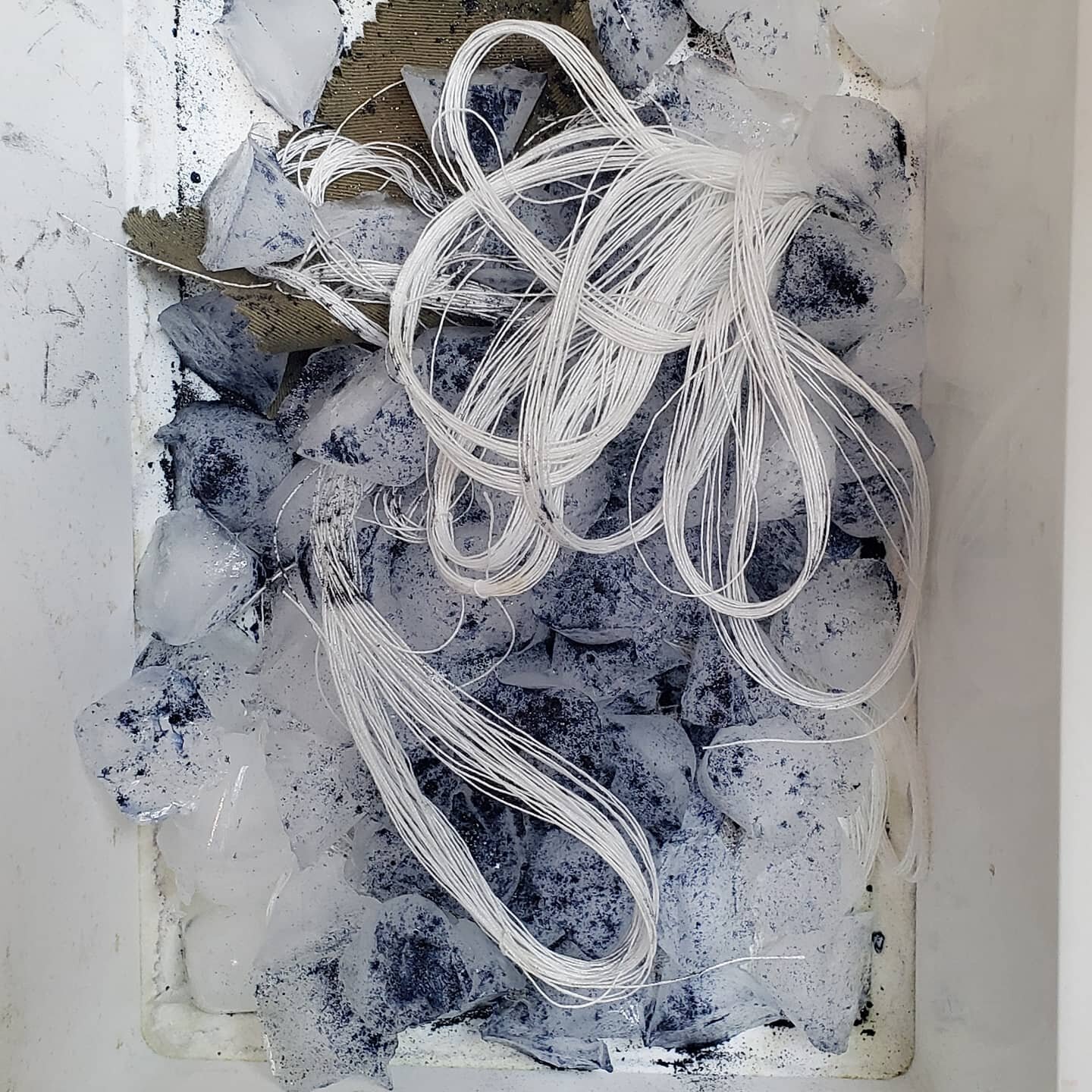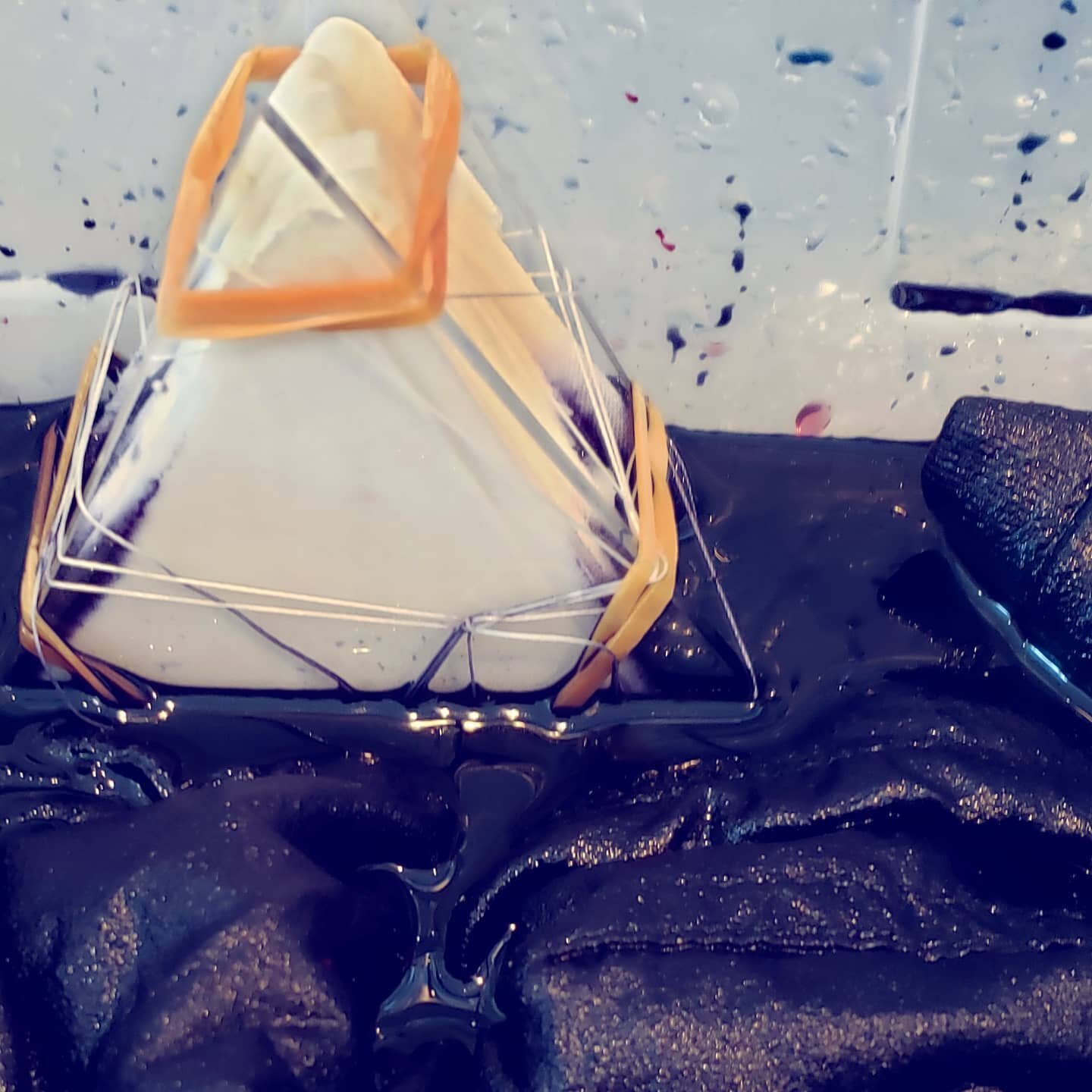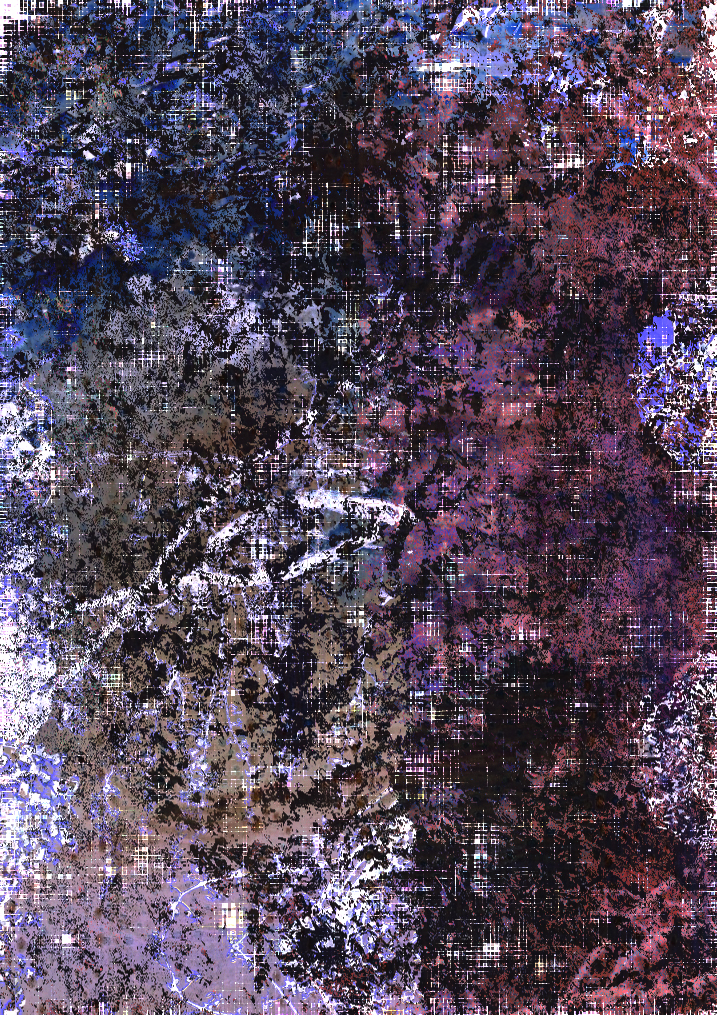
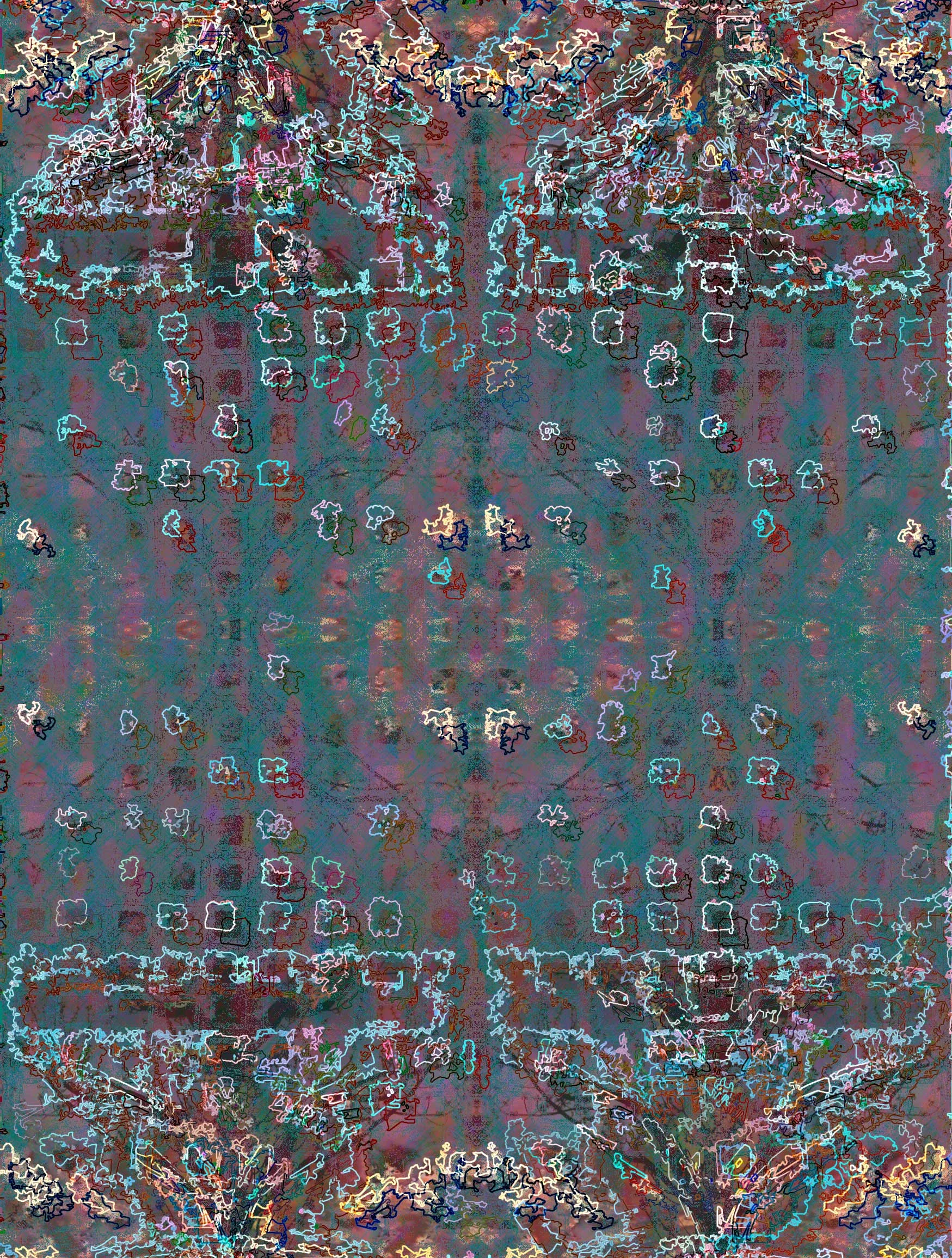
Playing around with brushes, textures, fill layers and filters in Photoshop
Photoshop sketch
Photoshop sketch
Playing around with brushes, textures, fill layers and filters in Photoshop
computer drawing with many, many layers of filters
many layers of Photoshop filters
Read MoreThe very first pattern design I made, inspired by a fixed palette challenge to design a "cheater quilt" on the Spoonflower website. The print has sold as both fabric and wallpaper. I'd love to see what the wallpapered room looks like.
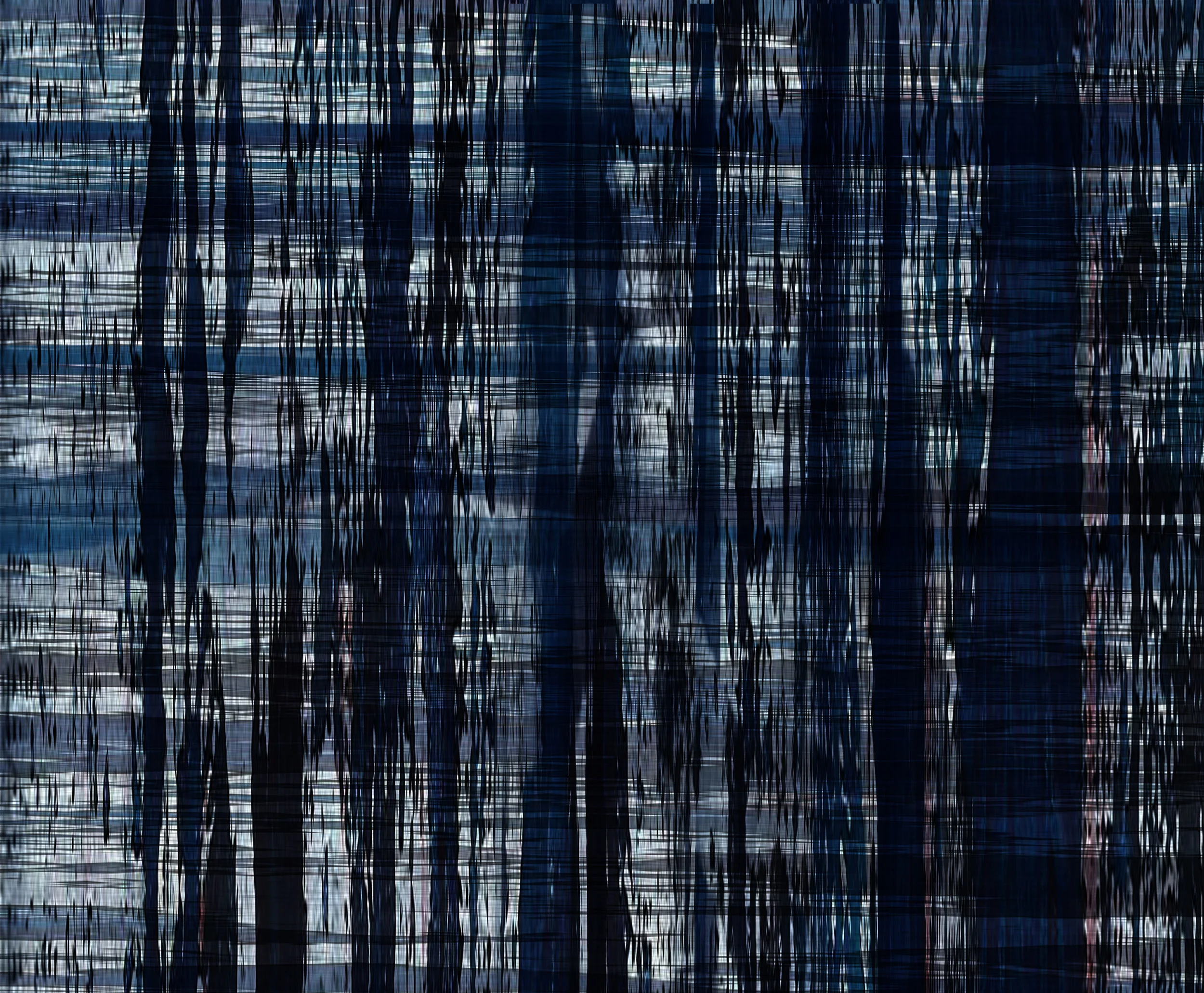
I'm really intrigued by plaid lately. Guess it's not too surprising since it's really just stripes gone both directions; stripes being my favorite go-to neutral. I started with a small textural painting I did, cropped it and manipulated it in Photoshop. I recolored it to represent indigo dye processes.
Final Product, "Glitchy Indigo Plaid"
section of 12" square original painting. woven-textured paper with gesso, acrylic paint, acrylic ink and gel medium. Paint applied with brushes, credit cards (my favorite tool!) and my fingers. Textures created by using various found objects to remove sections of paint.
section of the painting I cropped in Photoshop, I then stretched it, applied many filters, cropped it again, rotated 90°, cropped some more, re-connected the cropped bits, adjusted transparency and applied more filters
the pattern in repeat on 2 yards of 42" fabric
daily sketch of a photo of branches turned into a lacey pattern
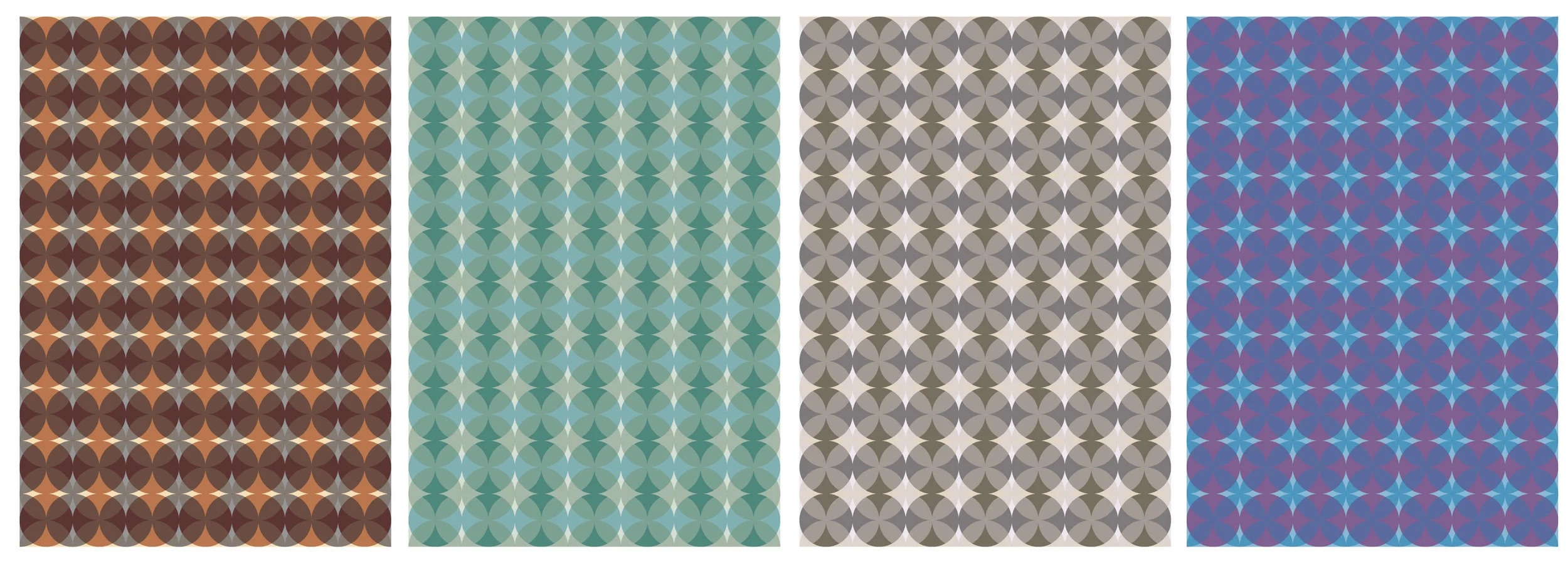
Read MoreFor my course work on colorways with Pattern Observer's Freelance Bootcamp I quickly built up an Illustrator image with transparent circles overlapping. Colors are from trend research for Spring/Summer 2016. I'm really interested in the ways that changing the colors informs your perception of the space. When looked at quickly these look like 4 different geometrics.
Carlyn Clark, untitled, 2014, digital print, 13" x 19"
Begins with a 5' x 7" postcard that I made by layering painted cardstock with tissue that I cut circles into using my pattern paper punch from apparel pattern-making days, then drew circles and dots with pen and ink, using both wheat paste and gel medium to get different levels of plasticity. Scanned the finished image into Photoshop, applied filters and used the Select>Color Range tool to select areas to recolor using the Layer>New Fill Layer command and filling with solid colors and patterns at different scales.
Carlyn Clark, untitled, 2013, tissue paper, pen, ink and acrylic on paper, 5" x 7"
Diagonal Stripe. Illustrator image, 13" x 19"
a repeating diagonal stripe made with Illustrator as part of my Ultimate Guide to Repeats Course at Pattern Observer